Digital payment security starts with checking who you are paying and what you are authorising. This winbuzz guide explains the practical steps Indian users can take to protect UPI payments, card details, passwords, and transaction records.
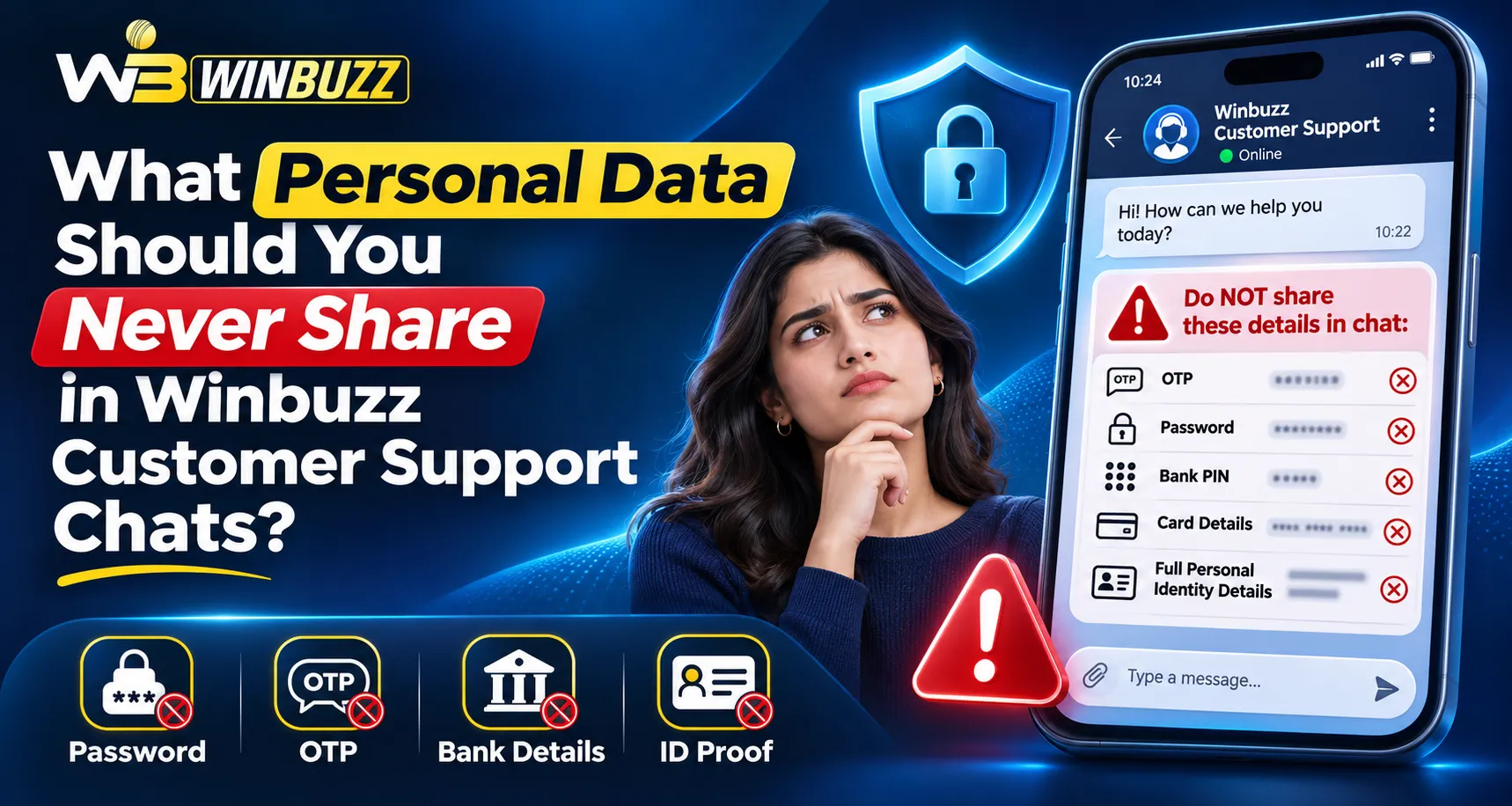
The most useful habit is simple: pause before approving a payment. Verify the recipient, read the amount, and keep authentication details private. RBI advises users never to share passwords, PINs, or OTPs—even with someone claiming to represent their bank.
What Does Digital Payment Security Mean?
Digital payment security protects your money and financial information during electronic transactions. It involves both the payment system’s safeguards and your own actions.
For everyday users, this means:
- Opening the correct website or app.
- Checking the recipient before authorising payment.
- Protecting passwords, OTPs, and payment credentials.
- Monitoring transaction alerts.
- Reporting suspicious activity promptly.
A successful payment confirms that money moved. It does not, by itself, establish that the recipient is trustworthy.
UPI PIN, OTP and Login Password: Know the Difference
Different credentials serve different purposes.
| Credential | Main purpose | Safe practice |
|---|---|---|
| Login password | Accesses an account | Use a unique password |
| OTP | Verifies a particular action | Read the message and never disclose it |
| UPI PIN | Authorises relevant UPI actions | Enter it only within the trusted payment app |
| Card CVV | Supports certain card transactions | Never send it through chat or email |
For readers using winbuzz login, account access and payment authorisation are separate processes. A platform password should be different from passwords used for banking or email.
Do You Need a UPI PIN to Receive Money?
You do not need to enter a UPI PIN simply to receive a normal UPI transfer or refund.
NPCI warns about messages offering rewards or payments in exchange for scanning a QR code and entering a PIN. That action can authorise an outgoing payment rather than receive money.
A Simple Refund Example
Suppose someone promises a ₹500 refund and sends a QR code. After scanning, your app displays “Pay ₹500.”
That screen is asking you to send money. Stop the transaction rather than following the sender’s explanation.
Read the payment app’s actual instructions carefully, especially when someone creates urgency.
Checks to Make Before Approving a Payment
Use this short sequence:
- Open the service independently. Avoid unexpected payment links.
- Check the recipient’s displayed name. Resolve an unfamiliar name before proceeding.
- Verify the amount. Watch for extra digits or unexpected charges.
- Read the authorisation screen. Understand whether it approves a payment or another action.
- Save the transaction reference. Keep the amount, date, and final status.
If someone claiming to resolve a winbuzz login problem redirects you to an unrelated payment page, verify the request through a separately accessed support channel.
Recognise Fake Support and Screen-Sharing Requests
Fraudsters can impersonate banks, payment providers, or customer-support teams. RBI identifies phishing links, fake support numbers, and remote-access applications as common methods used to obtain financial information.
Avoid installing remote-control software at an unknown caller’s request. Such software can allow someone to view or control your device and access financial credentials.
Use contact details obtained independently from the bank’s official app, website, or card. RBI’s fraud-awareness guidance specifically describes the risks of screen-sharing applications.
Payment Failed but Money Was Debited: What Next?
First, check the transaction status in your payment app and bank account. Save the reference number and raise a complaint through the app or bank before making repeated attempts.
RBI’s framework distinguishes these eligible domestic UPI failures:
| Situation | Prescribed reversal timeline |
|---|---|
| Account debited, beneficiary not credited | By T+1 if credit cannot be completed |
| Account debited, merchant confirmation not received | Within T+5 |
T means the transaction’s calendar date. The framework provides ₹100 per day in compensation for delays beyond the applicable deadline. These provisions concern specified failed transactions; they are not a universal refund timeline for every merchant dispute or platform balance issue.
What to Do If You Suspect Payment Fraud
Act promptly:
- Contact your bank through its official fraud-reporting channel.
- Ask it to secure the affected account or payment instrument.
- Call 1930 to report financial cyber fraud.
- Submit the details at the National Cyber Crime Reporting Portal.
- Preserve transaction IDs, messages, phone numbers, and complaint acknowledgements.
The government identifies 1930 and the portal as reporting channels for financial cybercrime. Reporting promptly supports intervention, although recovery is not guaranteed.
Read More : Winbuzz Saved Payment Methods for Better Spending Control
Conclusion
Secure payments depend on careful authorisation and quick action when something looks wrong. This winbuzz guide’s practical takeaway is to verify recipients, protect credentials, retain transaction records, and use official reporting channels.
FAQs
Is scanning a QR code enough to prove a payment is safe?
No. Check the displayed recipient and payment instructions before authorising it.
Should I share an OTP with customer support?
No. Keep OTPs private, including when a caller claims to represent your bank.
Does a payment screenshot prove money arrived?
Check your own bank or payment-app records rather than relying on the sender’s screenshot.
Should I wait for a reversal if I suspect fraud?
Report suspected fraud immediately. A technical payment failure and an unauthorised transaction require different responses.
Where can Indian users report financial cyber fraud?
Call 1930 and report it through the National Cyber Crime Reporting Portal.