
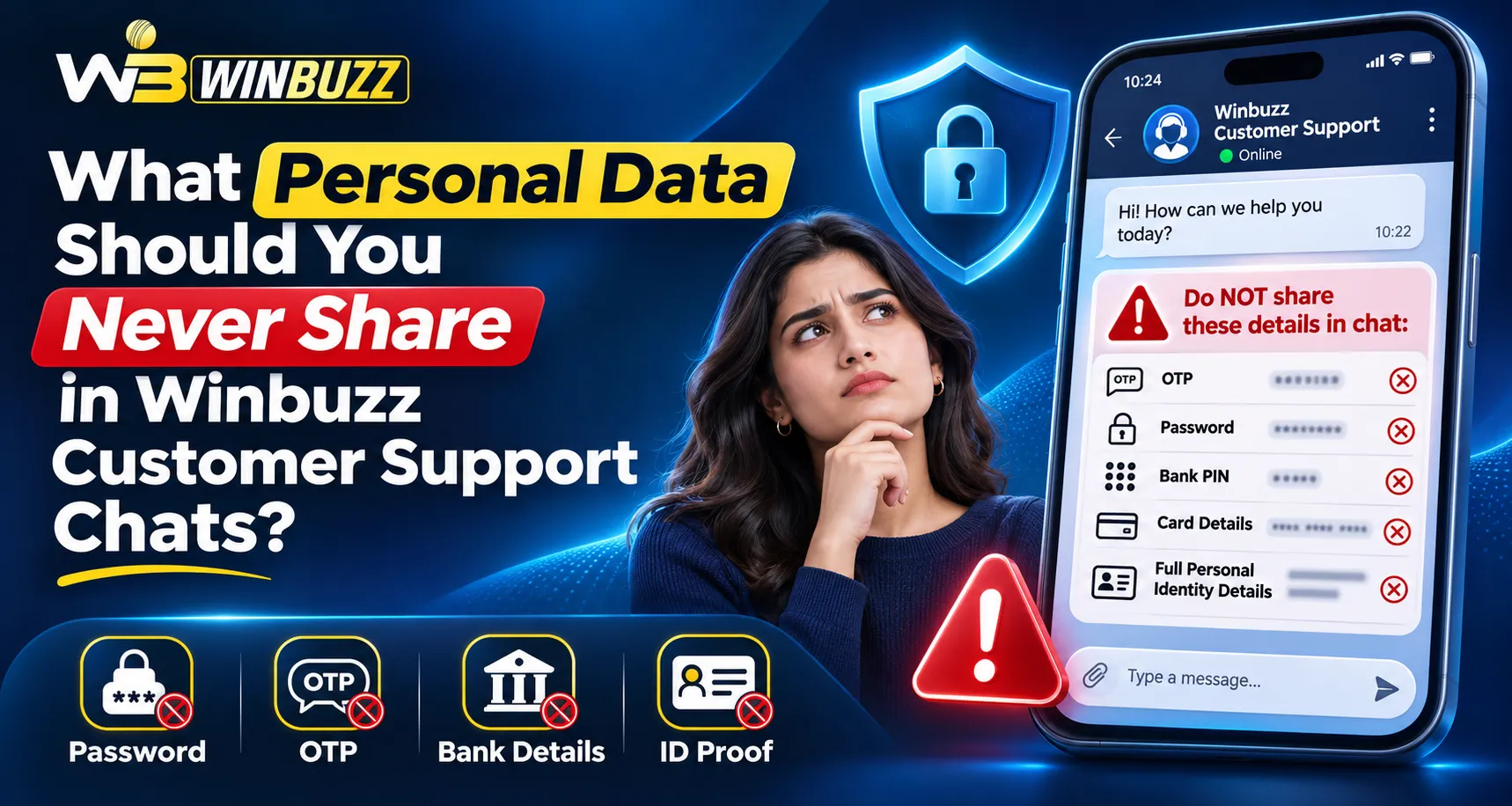
Customer support chats help resolve login issues, payment questions, and account concerns, but not every personal detail belongs in a message. For Winbuzz users, the safest approach is to provide enough information to explain the problem without revealing credentials or exposing financial records. Always verify the support channel before sending anything.
Personal Data You Should Keep Out of Support Chats
1. Passwords, OTPs, and Recovery Codes
Never send account passwords, one-time passwords (OTPs), backup codes, or password-reset links to an agent. These details can grant account access, even when the person requesting them appears helpful.
During a Winbuzz Login problem, describe the error and its timing. Enter verification codes only on the sign-in or recovery screen you opened independently.
2. UPI PINs and Banking Credentials
Do not disclose UPI PINs, debit-card PINs, CVVs, banking passwords, or full card details. A support chat does not need these secrets to review a pending transaction.
NPCI advises that a UPI PIN authorises payments; it is not needed to receive money. Treat requests to enter one for a refund as a warning.
3. Aadhaar, PAN, and Private Documents
Identity documents may contain your photograph, address, birth date, and identification numbers. Avoid sending unmasked Aadhaar or PAN images, passports, or full bank statements through ordinary chats.
When identity verification is necessary, ask why the documents are required and use a verified, secure submission method rather than an unsolicited messaging contact.
4. Device Passwords and Private Screenshots
Never provide device unlock codes, email recovery passwords, contact lists, or remote-control access. Screen-sharing tools can reveal more information than a support agent needs.
If you capture an error in the Winbuzz App, crop out notification banners, unrelated messages, account balances, and saved credentials before sending it.
What Information Can You Share Instead?
A concise explanation usually helps more than a collection of personal documents.
| Issue | Helpful information | Keep private |
| Login error | Error message and time | Password and OTP |
| Pending payment | Amount, date, transaction reference | UPI PIN and bank password |
| App malfunction | Device model and app version | Unlock code and contacts |
| Account query | Support case number | Unrequested identity documents |
A Winbuzz ID may help staff locate a case, but share it privately only after verifying the recipient. Keep your complete receipts for your records.
Example of a Safe Support Message
“Hello, my payment of ₹[amount] on [date] is marked successful by my bank but pending in my account. My transaction reference is [number]. Please confirm the status and advise the next step.”
Send this reference only through verified private support. Attach a cropped payment receipt when necessary, ensuring account numbers and unrelated personal information are concealed.
How to Check Whether Support Is Genuine
Follow these steps before exchanging account information:
- Type the website address yourself instead of using a stranger’s message link.
- Locate contact options on the website or within your authenticated dashboard.
- Check for suspicious urgency, threats of account closure, or requests for extra payments.
- Stop if the person requests an OTP, remote access, or credentials.
Searches for Winbuzz Com may surface lookalike pages. Logos, profile pictures, and confident claims alone do not prove an agent is authorised.
What If You Already Shared Sensitive Information?
Act promptly instead of continuing the conversation.
- Change passwords: Change the affected password through a trusted Winbuzz Login page; also change reused passwords.
- Contact your bank: Notify your bank immediately if financial credentials or a UPI PIN were exposed.
- Review account activity: Check recent activity and payment alerts for unfamiliar transactions.
- Secure your device: Uninstall suspicious remote-access software and secure your phone.
- Report suspicious activity: Preserve messages as evidence. In India, report suspected financial cyber fraud through 1930 or cybercrime.gov.in.
For Winbuzz App users, review account notices after securing the device. Avoid “recovery agents” promoted through unofficial Winbuzz Com messages.
Conclusion
Safe support conversations depend on sharing the minimum necessary information. Protect your Winbuzz ID, keep authentication secrets private, and use verified channels for sensitive verification requests.
Frequently Asked Questions
Can customer support ask for my login password?
No. Describe the problem and follow the official recovery process instead.
Is sharing an OTP with support safe?
No. Verification codes should never be given to a support agent.
Can I send a screenshot of a payment?
Yes, if useful, but first hide banking details and unrelated personal information.
Should I send Aadhaar or PAN in a chat?
Avoid ordinary chat. Use a secure, documented verification channel only when legitimately required.
What if an agent asks me to install a screen-sharing app?
Decline and independently verify the request. Never grant an unknown person control of your device.