
Complete Guide to Using the Winbuzz App
Mobile access allows eligible users to follow sports events, explore available markets, manage transactions, and review account activity without relying on a desktop computer. The Winbuzz App is designed to bring these features together through a mobile-friendly interface.
Registered users may be able to check cricket and IPL markets, follow Winbuzz Live events, browse casino categories, review promotional offers, access wallet information, and contact customer support from one account.
The exact mobile experience can vary according to the user’s device, location, account eligibility, and the current platform version. Users should always follow verified access instructions and avoid applications or download files shared through unknown sources.
This guide explains Android and iOS access, secure Winbuzz Login, account registration, promotions, payments, customer assistance, and responsible participation.
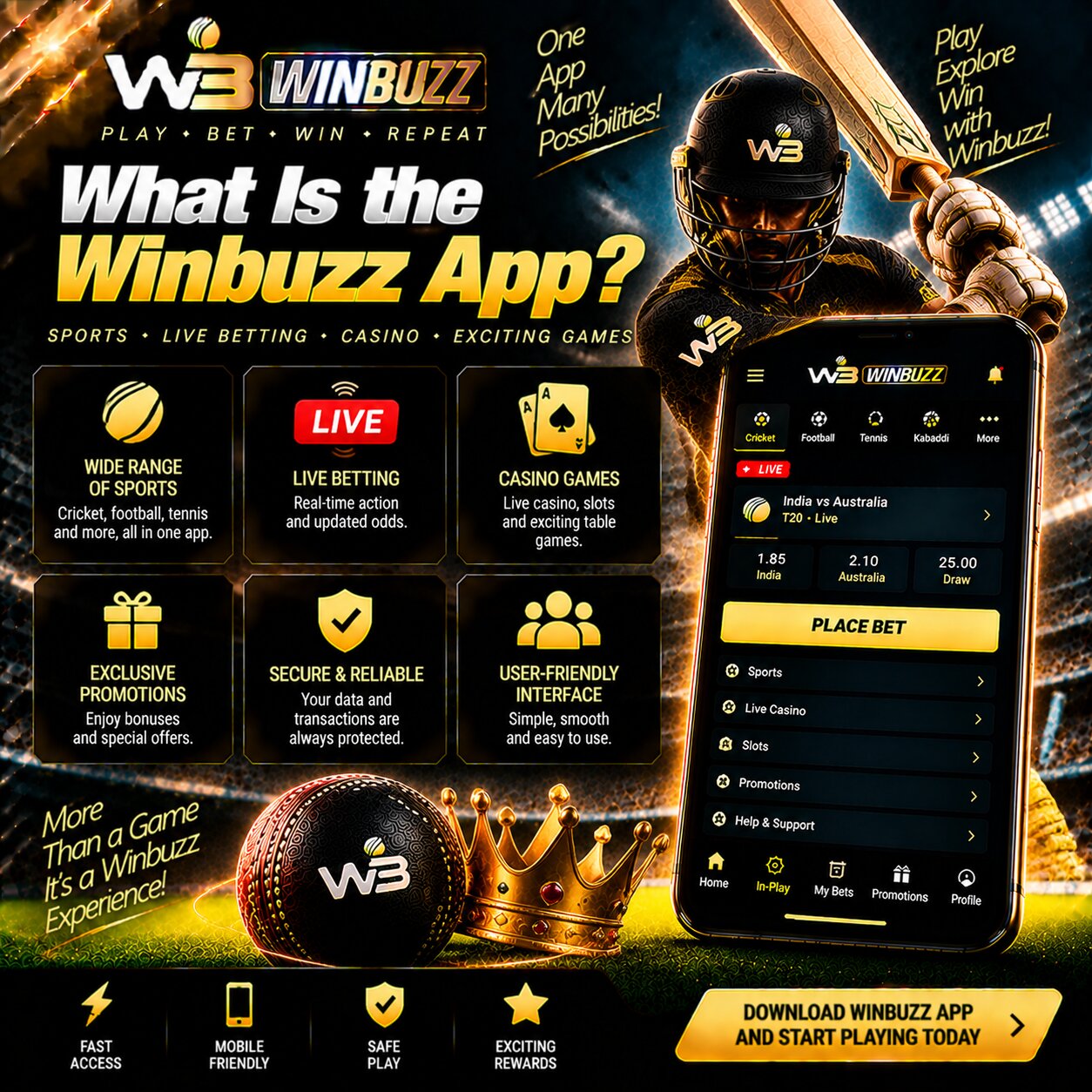
What Is the Winbuzz App?
The Winbuzz App is a mobile access option for users who want to manage their account and explore available sports or gaming sections from a compatible smartphone or tablet.
Depending on current availability, mobile users may be able to:
- View upcoming cricket and sports fixtures
- Open pre-match and live markets
- Follow scores and match information
- Explore available casino games
- Access live dealer tables
- Review account and wallet balances
- Check deposit and withdrawal records
- View available promotional offers
- Update profile information
- Contact customer support
- Review responsible gaming tools
The platform may be available through an approved application or a mobile-optimised website. Users should check the verified Winbuzz source for current access instructions before installing anything on their device.
Explore the App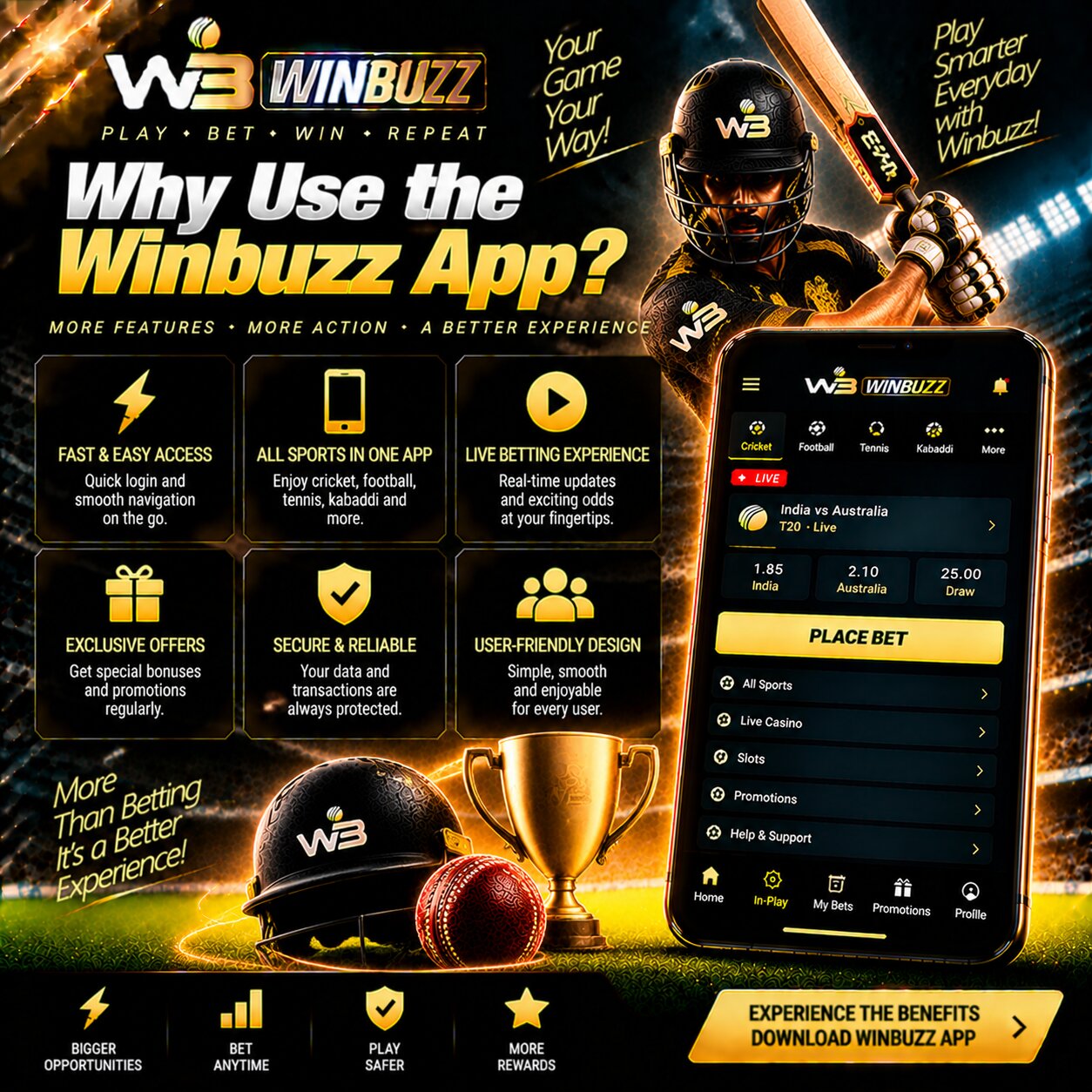
Why Use the Winbuzz App?
The mobile experience is intended for users who prefer quick navigation and convenient access to account tools. Instead of opening several unrelated services, users can manage supported features through one registered Winbuzz ID.
Simple Registration and Login
Eligible users can create an account, complete any required verification, and sign in with their registered credentials.
Mobile-Friendly Navigation
The interface helps users move between cricket, football, basketball, casino, live sections, account settings, and payment information.
Live Match Access
Winbuzz Live features may provide updated scores, match status, and active markets for selected sporting events.
Available Promotions
New and existing users may find welcome offers, deposit promotions, cashback, or other rewards, subject to current eligibility and bonus conditions.
Account and Payment Tools
Users can review their wallet, initiate supported transactions, check payment records, and contact support when a transaction needs attention.
Customer Assistance
Available support options may help with registration, login errors, password recovery, verification, payments, promotions, and mobile access.
Responsible Gaming Information
Account controls, activity records, cooling-off options, and self-exclusion assistance may be available to help users manage their participation.
View Winbuzz Features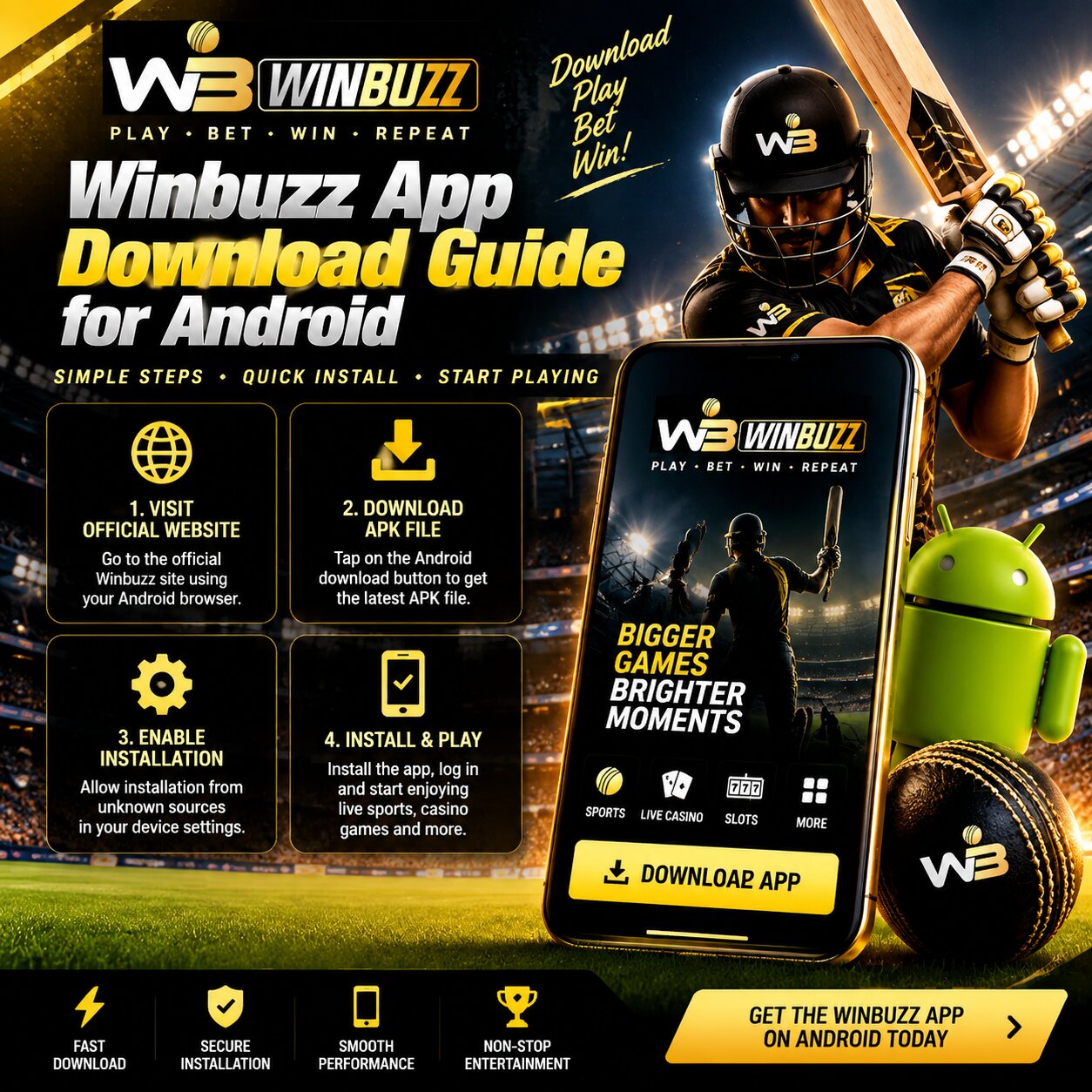
Winbuzz App Download Guide for Android
Android access may be available through an approved application or the mobile version of the verified website. The exact process can change, so users should follow the instructions displayed on the official platform.
Avoid APK files received through unsolicited messages, unknown websites, social media accounts, or unofficial download pages.
Steps to Access Winbuzz on Android
Step 1: Open the Verified Platform
Use an updated browser and enter the correct Winbuzz website address. Check the spelling and security indicator before continuing.
Step 2: Find the Mobile Access Section
Look for the Android, mobile app, or download option displayed on the platform. If no option is visible, contact verified customer support.
Step 3: Review the Download Information
Check the stated version, required Android release, file size, installation instructions, and source before downloading anything.
Step 4: Examine App Permissions
Review permissions carefully. A sports or gaming application should not request unrelated access without providing a clear reason.
Step 5: Complete the Installation
If an approved application is available, follow the displayed setup instructions. Do not disable important device protections beyond what the verified process requires.
Step 6: Open the App and Sign In
Launch the application and complete Winbuzz Login using your registered details. Never share your password or OTP with another person.
Step 7: Keep the App Updated
Use only updates provided through the verified platform. Updates may contain security improvements, compatibility changes, and performance fixes.
If an application is unavailable, users may still be able to access the mobile-optimised website through a compatible browser.
View Android Access Guide
Winbuzz App Access for iPhone and iOS
iPhone and iPad users should check the verified platform for current iOS access information. Availability through an app store may vary according to location, platform policies, and the current service version.
Users should not install unknown configuration profiles or applications from links provided by unverified contacts.
Steps to Access Winbuzz on iOS
Step 1: Open the Correct Website
Launch Safari or another supported browser and visit the verified Winbuzz access source.
Step 2: Check the iOS Instructions
Look for the current iPhone, iPad, or mobile access guidance displayed by the platform.
Step 3: Confirm the Source
Before opening an external page or application listing, verify that it matches the instructions provided by the platform.
Step 4: Use Mobile Web Access Where Available
If a dedicated application is unavailable, the mobile website may provide access to account tools and supported platform sections.
Step 5: Add a Home-Screen Shortcut
Safari users may be able to add the verified website to their home screen for quicker access without installing an unknown file.
Step 6: Complete Secure Login
Enter your registered credentials privately and complete any additional verification requested by the platform.
The available features may depend on the device model, operating-system version, location, and account status.
View iOS Access Guide
Secure Winbuzz Login Through the App
Login security protects personal details, wallet records, transaction history, and account activity. Users should confirm the platform source before entering any credentials.
Depending on current account settings, users may sign in with a registered mobile number, email address, username, or another approved account identifier.
Safe Login Practices
- Create a strong and unique password
- Avoid using the same password on other websites
- Never share your password or OTP
- Do not disclose your UPI PIN or card PIN
- Use only verified application and website links
- Avoid signing in on public or unfamiliar devices
- Do not save credentials in shared browsers
- Keep your device protected with a PIN or biometric lock
- Review recent account activity regularly
- Log out if another person can access your device
- Contact support after noticing unfamiliar activity
People searching for Winbuzz Com should verify that the correct website has been opened before submitting account or payment details. Similar-looking domains and unofficial applications can expose users to unnecessary security risks.
Access Winbuzz Securely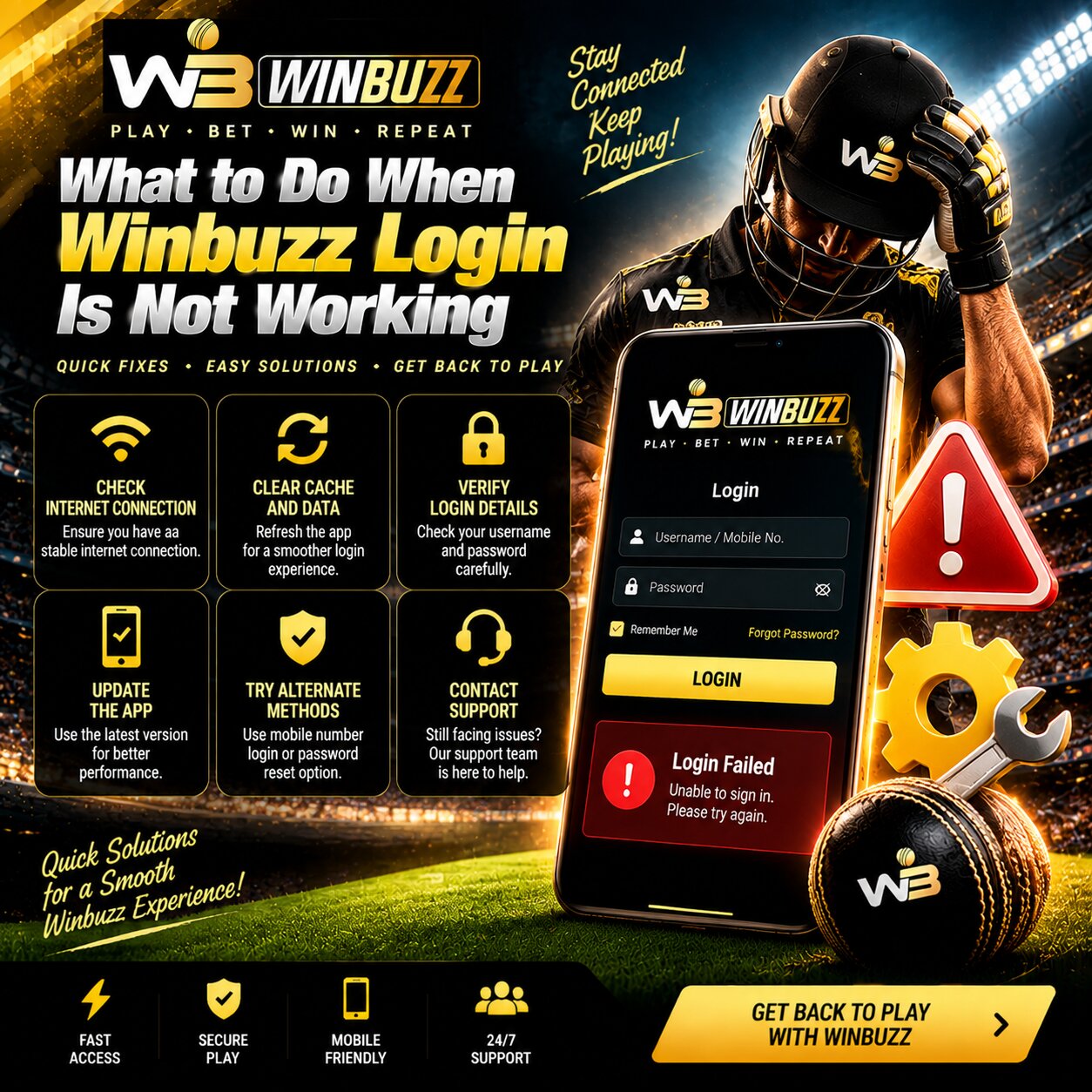
What to Do When Winbuzz Login Is Not Working
Login difficulties can result from incorrect credentials, an expired password, network problems, an outdated application, or temporary account restrictions.
Users can try the following checks:
- Confirm that the mobile number, email, or username is correct.
- Re-enter the password carefully.
- Check whether Caps Lock or automatic spacing is affecting the entry.
- Confirm that the internet connection is stable.
- Close and reopen the app or browser.
- Install an approved update if one is available.
- Use the official password-recovery option.
- Wait briefly if several unsuccessful attempts have temporarily restricted access.
- Contact verified support if the issue continues.
Never pay an unknown person to unlock an account. Official support should not ask users to reveal their complete password, OTP, UPI PIN, or card PIN.

Winbuzz Bonus Offers for New and Existing Users
Promotional offers may be available for eligible users, but availability and conditions can change. A bonus should never be accepted without reading the complete terms.
Welcome Offer
New users may receive a registration or first-deposit promotion when the required eligibility conditions are satisfied.
Deposit Promotion
A qualifying deposit may receive an additional promotional amount. Minimum deposits and wagering requirements may apply.
Cashback Offer
Cashback promotions may return a specified portion of eligible activity according to the applicable calculation and maximum limit.
Referral Reward
Users may receive a reward after an invited person completes the actions described in the referral conditions.
Seasonal Promotions
Special offers may appear during major cricket competitions, IPL events, festivals, or other promotional periods.
Free Spins or Casino Rewards
Selected casino promotions may include free spins or game-specific benefits. Eligible games and expiry periods should be checked carefully.
Before accepting an offer, review:
- Eligibility requirements
- Minimum qualifying deposit
- Wagering conditions
- Eligible sports or games
- Minimum odds where applicable
- Maximum permitted stake
- Promotion expiry
- Withdrawal restrictions
- Maximum bonus value
- Excluded payment methods
A promotional balance is not necessarily the same as withdrawable cash.
View Available Offers
Winbuzz Customer Support and WhatsApp Assistance
Customer support can help users understand account procedures and resolve technical or transaction-related problems. Only use contact details displayed on the verified platform.
Live Chat
Live chat may provide assistance with common login, payment, registration, verification, and navigation questions.
Email Support
Email can be useful when an issue requires a detailed explanation, screenshots, transaction references, or supporting documents.
WhatsApp Support
Where officially available, WhatsApp support may help with account access, mobile guidance, payment questions, or general platform information.
Users should verify that the WhatsApp number matches the contact information shown on the official website before starting a conversation.
Phone Assistance
Telephone support may be available during specified service hours. Users should confirm the number through the verified platform.
Information to Prepare
Before contacting support, collect:
- Registered account identifier
- Date and time of the issue
- Transaction reference where relevant
- Screenshot of the error
- Device and browser information
- Game or market reference
- Live casino round ID where applicable
Do not include passwords, OTPs, UPI PINs, or complete card details in a support message.
Contact Winbuzz Support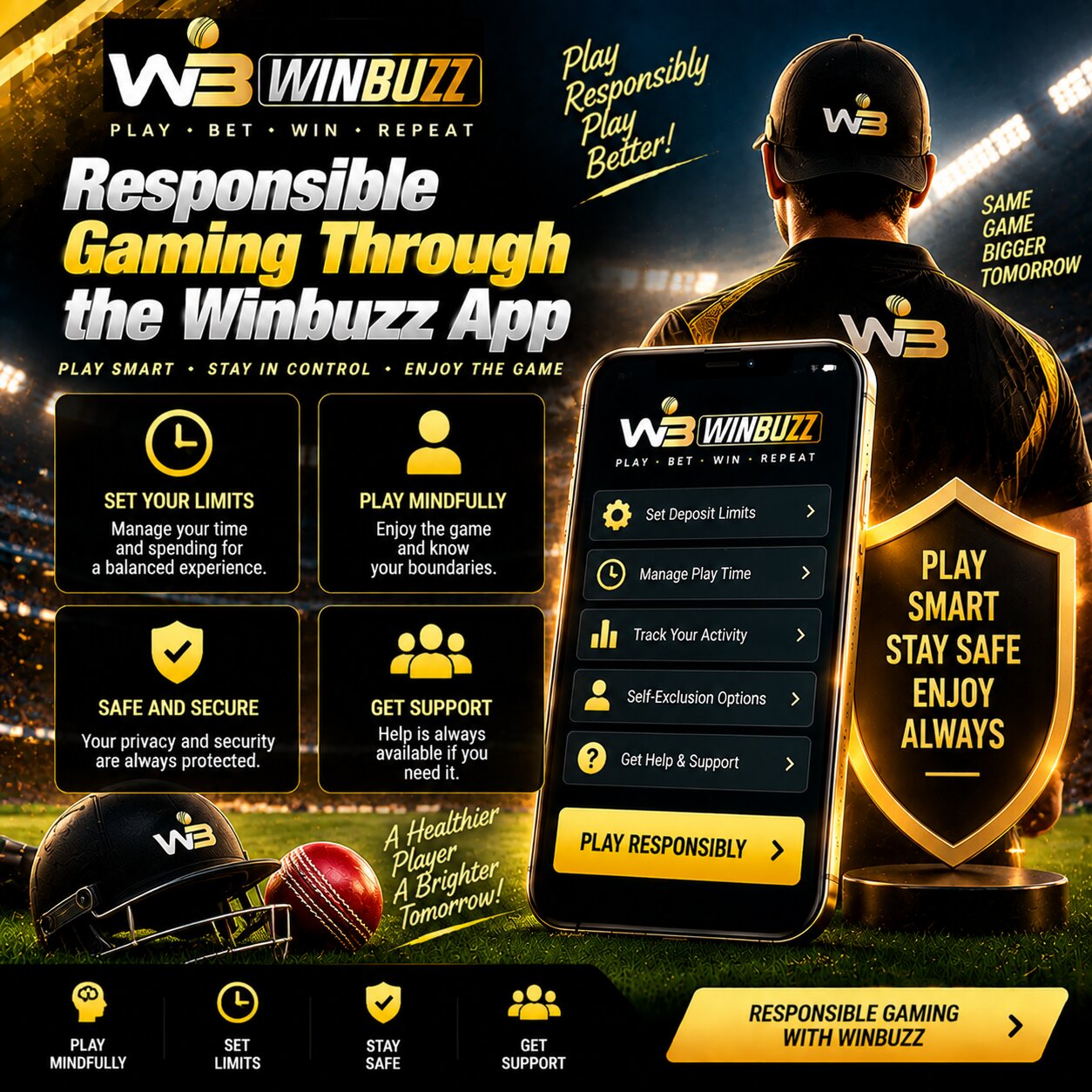
Responsible Gaming Through the Winbuzz App
Mobile access makes the platform convenient, but it can also make it easier to lose track of time or spending. Users should establish limits before participating.
Betting and casino games should be treated as paid entertainment. Sporting results and casino outcomes are uncertain, and no strategy can guarantee a profit.
Set a Spending Limit
Choose a fixed amount that you can afford to lose without affecting essential expenses.
Monitor Account Activity
Regularly review deposits, withdrawals, stakes, wins, and losses. Account records provide a clearer picture than memory alone.
Use Session Reminders
Set a timer or use available reminders to avoid remaining active for longer than intended.
Take Cooling-Off Breaks
A temporary break can help when participation becomes stressful, distracting, or difficult to control.
Never Chase Losses
Do not increase stakes in an attempt to recover money lost during earlier activity.
Request Self-Exclusion When Needed
Users who need a longer restriction can ask customer support about available self-exclusion procedures.
Ask for Help
Contact suitable professional support if gambling begins to affect finances, relationships, work, studies, sleep, or emotional well-being.
Responsible Gaming Guidance
Winbuzz App Security and Account Protection
Users should combine platform security controls with safe personal habits.
Recommended precautions include:
- Download or access the platform only through verified sources
- Keep the operating system and browser updated
- Review app permissions
- Use a private internet connection
- Avoid public Wi-Fi for payments
- Enable additional account protection where available
- Protect the device with a screen lock
- Never share verification codes
- Check recent login and transaction activity
- Report suspicious account changes immediately
- Remove saved credentials before giving away or repairing a device
- Log out after using a shared smartphone
If a device is lost or stolen, contact support, change the password from a trusted device, and review recent account activity as soon as possible.
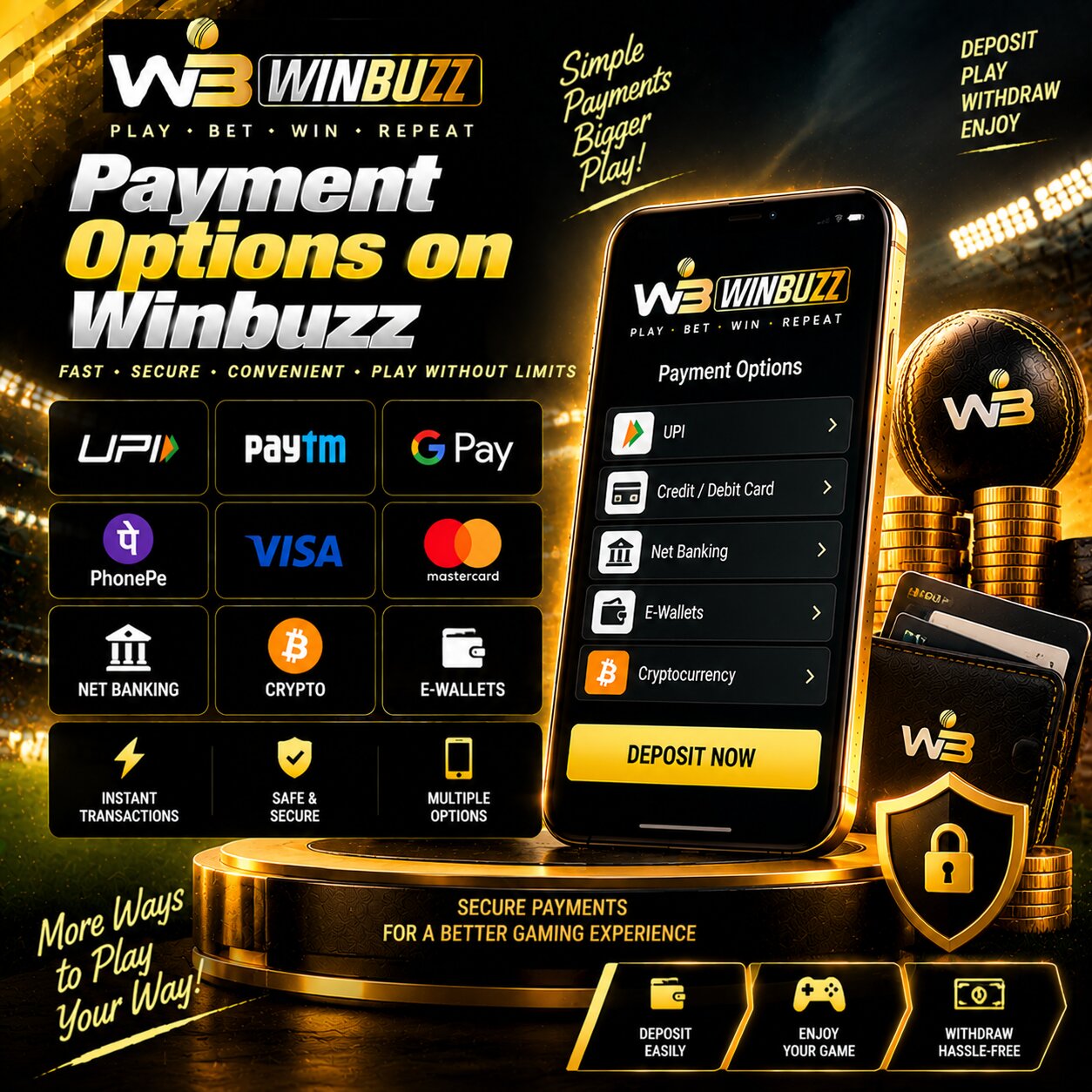
Payment Options on Winbuzz
Available deposit and withdrawal methods may vary by user, location, and account status. Users should review the options shown inside their verified account rather than relying on information from an unofficial source.
Possible payment categories may include:
UPI
UPI may provide convenient account-to-account payments through supported applications. Users should verify the recipient details and amount before approving a request.
Net Banking
Supported bank accounts may be used for deposits or withdrawals according to current platform conditions.
E-Wallets
Compatible wallet services may appear among the available payment options. Availability can change.
Cards
Debit or credit card support may depend on the payment provider, issuing bank, location, and platform rules.
Before making a transaction, check:
- Minimum and maximum amount
- Processing period
- Possible charges
- Verification requirements
- Account-name matching rules
- Withdrawal eligibility
- Bonus-related conditions
- Current transaction status
Do not submit the same payment repeatedly when the first attempt remains pending. Save the transaction reference and contact support if the balance does not update after the stated processing period.
Review Payment GuidanceHow to Get Started with the Winbuzz App
Step 1: Open the Verified Access Source
Use the correct website or approved application source. Check the address carefully before continuing.
Step 2: Create Your Winbuzz ID
Enter the requested registration details accurately and confirm that you meet the applicable age and location requirements.
Step 3: Complete Verification
Verify your mobile number or email and provide any identification requested under the current account rules.
Step 4: Create a Secure Password
Choose a unique password that contains a strong combination of characters and is not used for another account.
Step 5: Complete Winbuzz Login
Sign in privately through the verified app or mobile website.
Step 6: Review the Platform Terms
Read the account, payment, privacy, bonus, market, and responsible gaming conditions.
Step 7: Add Funds if Required
Select a supported payment method and confirm all transaction details before authorising the payment.
Step 8: Explore Available Sections
Browse cricket, IPL, football, basketball, casino, or live markets according to current availability.
Step 9: Review Every Selection
Check the market name, odds, stake, possible return, and settlement conditions before confirming a Winbuzz Bet.
Step 10: Track Your Activity
Use the account history to monitor transactions, selections, results, and spending.
Get Started with WinbuzzFinal Thoughts on the Winbuzz App
The Winbuzz App gives eligible users a mobile-friendly way to access sports events, live markets, casino categories, wallet information, promotional offers, and account support.
Android and iOS access can vary, so users should always follow current instructions from the verified platform. Avoid unofficial applications, unknown APK files, suspicious website addresses, and people requesting private security information.
A safer mobile experience depends on protecting login details, reading bonus and payment conditions, reviewing every selection, setting firm financial limits, and accepting that betting outcomes are uncertain.
Review Winbuzz AccessWinbuzz App FAQs
How can I download the Winbuzz App on Android?+
Visit the verified platform and follow the current Android instructions. Avoid APK files offered through unknown websites, messages, or unofficial social accounts.
Is the Winbuzz App available for iOS?+
iOS availability may vary. Check the verified website for current iPhone access guidance or use the supported mobile website where available.
How do I complete Winbuzz Login on mobile?+
Open the verified application or mobile website and enter your registered credentials. Never share your password or OTP with another person.
What should I do if I forget my password?+
Use the official password-recovery option and complete the requested verification. Contact verified support if the reset process does not work.
Does Winbuzz provide bonuses for new users?+
Eligible new users may find welcome or deposit promotions. Availability, wagering requirements, expiry periods, and withdrawal conditions depend on the current terms.
How can I contact Winbuzz customer support?+
Available channels may include live chat, email, WhatsApp, or telephone assistance. Use only the contact details displayed on the verified platform.
Are payments safe through the mobile platform?+
Users should select payment methods shown inside their verified account, check every transaction carefully, and keep banking credentials private.
Can I use Winbuzz Live features on mobile?+
Selected live sports or casino features may be available through compatible mobile devices. Availability can depend on the event, game, location, and account status.
What is a Winbuzz ID?+
A Winbuzz ID is a registered account used to access supported sports, casino sections, wallet information, account settings, and customer assistance.
What does Winbuzz Bet mean?+
It refers to a selection submitted on an available sports or gaming market. Users should review the odds, stake, possible return, and market rules before confirming it.
Winbuzz Platform

