
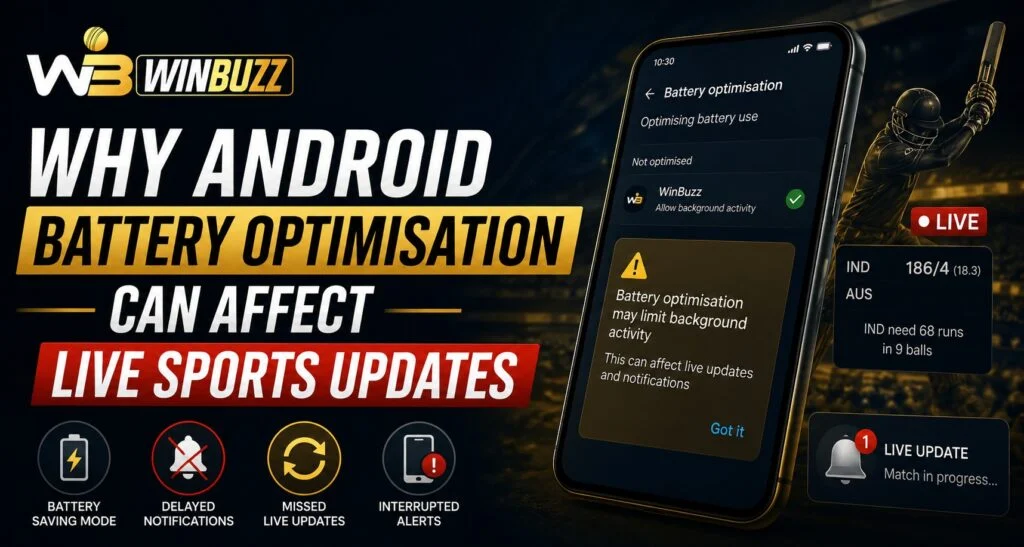
Smartphone battery management features are designed to improve device performance and extend battery life, but they can sometimes affect how certain apps operate in the background. Live sports services depend on regular data updates, notifications, and background activity to deliver timely information. For users following matches through Winbuzz, understanding how Android battery optimisation works can help explain why some live updates, alerts, or refresh features may not appear instantly.
What Is Android Battery Optimisation?
Android battery optimisation is a system feature that controls how apps use power when they are not actively open on the screen.
The main purpose is to:
- Reduce unnecessary battery usage
- Limit background activity
- Improve device performance
- Extend battery life
While these features are useful for everyday smartphone use, they can sometimes restrict apps that need continuous background communication.
Why Do Live Sports Apps Need Background Activity?
Live sports services rely on regular data exchange to provide updated information.
Apps may need background access for:
- Match score updates
- Event notifications
- Schedule reminders
- Live commentary
- Important alerts
When Android restricts background activity, updates may arrive late or require the user to open the app manually.
Users completing a Winbuzz Login should understand that device settings can influence how quickly information appears.
How Battery Optimisation Can Delay Live Updates
When battery-saving features limit an application, Android may reduce the app’s ability to perform background tasks.
Possible effects include:
- Delayed push notifications
- Slower refresh times
- Missed alerts
- Updates appearing only after opening the app
- Reduced background connectivity
These issues are often related to device settings rather than problems with the application itself.
Why Android Limits Background Apps
Android uses battery optimisation to create a better experience for users.
Without these controls:
- Apps could continue using power unnecessarily
- Battery life could decrease faster
- Device performance could be affected
The system tries to balance power efficiency with app functionality.
However, apps that depend on real-time information may require different settings.
How Users Can Adjust Battery Settings
Android allows users to manage battery optimisation preferences for individual apps.
Common steps include:
- Opening device settings
- Going to battery or app management options
- Selecting the required application
- Adjusting background activity permissions
The exact menu names can vary depending on the smartphone brand and Android version.
Users accessing the Winbuzz App may review these settings if they experience delayed updates.
Other Android Features That Can Affect Live Notifications
Battery optimisation is not the only setting that can influence real-time updates.
Other possible factors include:
Data Saver Mode
Data restrictions may limit how apps communicate in the background.
Background App Restrictions
Some devices automatically stop apps that are rarely used.
Notification Settings
Disabled notifications can prevent alerts from appearing.
Power Saving Modes
Extreme battery-saving modes may pause background processes.
Tips for Better Live Sports Update Performance
Users can follow a few simple practices to improve app performance.
Helpful tips include:
- Keep the app updated
- Allow necessary notifications
- Check background data permissions
- Maintain a stable internet connection
- Avoid using extreme battery-saving modes during important events
These steps can Help ensure smoother access to live information.
Why Device Settings Matter for Real-Time Services
Live sports platforms depend on quick information delivery. Even a small delay can affect how users experience match updates.
A smartphone’s:
- Battery settings
- Network permissions
- Notification controls
- App restrictions
can all influence performance.
Users checking Winbuzz Com services should remember that device configuration plays an important role in receiving timely updates.
Difference Between Battery Saving and App Problems
Not every update delay is caused by battery optimisation.
Other possible causes include:
- Weak internet connection
- Server maintenance
- Outdated applications
- Device storage issues
- Notification permissions
Before changing settings, users should check multiple possible causes.
How To Maintain a Balance Between Battery Life and Updates
Completely disabling battery optimisation for every app is usually unnecessary.
A balanced approach includes:
- Allowing important apps to run when needed
- Keeping unnecessary apps restricted
- Reviewing permissions regularly
- Monitoring battery usage
This approach helps maintain both device efficiency and app performance.
Importance of Keeping Apps and Devices Updated
Software updates often improve:
- Compatibility
- Performance
- Security
- Notification reliability
Keeping both Android and applications updated can reduce technical issues related to background activity.
Users managing a Winbuzz ID should also ensure their device environment supports smooth app operation.
Conclusion
Android battery optimisation helps users save power, but it can sometimes affect apps that rely on continuous background updates. Live sports services require regular communication to deliver scores, notifications, and important match information.
By understanding battery settings, notification controls, and background permissions, users can create a better balance between battery efficiency and real-time updates. Proper device management ensures a smoother experience when following live sports events.
Frequently Asked Questions
Can Android battery optimisation delay live sports updates?
Yes. Battery optimisation can limit background activity and may delay notifications or refreshes.
Why do live sports apps need background access?
They require background activity to deliver timely scores, alerts, and match information.
Should battery optimisation always be disabled?
No. Users should adjust settings only for apps where real-time updates are important.
Can notification settings affect sports alerts?
Yes. Disabled notifications can prevent users from receiving important updates.
Does every Android phone have the same battery settings?
No. Settings can vary depending on the device manufacturer and Android version.
What should I check if live updates are delayed?
Check battery restrictions, notifications, internet connection, and app update status.


