
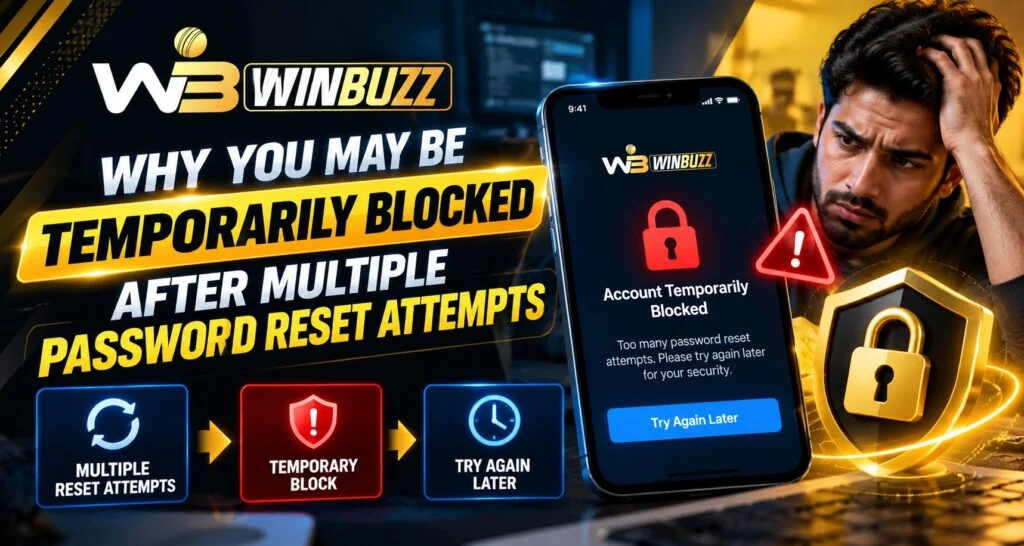
Repeated password reset requests can trigger a temporary restriction because recovery systems need protection against automated requests and code guessing. If this happens while accessing Winbuzz, stop submitting requests and read the message carefully. A problem with winbuzz login does not automatically mean your account is permanently blocked.
Whether you follow winbuzz live or search for winbuzz com, use an access route you have independently verified. We explain the possible causes below, although the platform’s exact attempt limits and waiting periods require confirmation.
Why Password Recovery Requests May Be Limited
Password recovery gives someone a way to change account credentials. Without safeguards, an attacker could repeatedly request messages or try different verification codes.
Rate limiting restricts how many requests a system accepts within a period. It can also affect genuine customers who repeatedly press “resend” because an email or SMS has not arrived.
However, restricting recovery requests and locking an entire account are different actions. A message saying “too many requests” may concern only that recovery step. Read its wording before deciding what has been blocked.
Common Situations That Create Confusion
Several ordinary mistakes can complicate recovery:
- Requesting multiple codes before earlier messages arrive.
- Entering an expired or already-used code.
- Typing the wrong registered email address or mobile number.
- Opening several recovery tabs at once.
- Allowing saved credentials to submit an old password.
For example, delayed messages may arrive together. Entering them in arrival order can become confusing, especially if requesting another code invalidates an earlier one.
That behaviour varies between services. Follow the instructions attached to the current recovery request rather than assuming every received code remains valid.
What Should You Do When a Block Appears?
First, stop retrying. Record the exact error wording and note when it appeared. If the screen provides a retry time, follow that instruction.
Next, check the registered inbox, including spam folders, or confirm that your phone can receive messages. Avoid requesting another code while checking.
Keep one recovery session open and close duplicate tabs. Once requests are permitted again, submit one carefully checked request and follow its instructions.
Clearing browser data does not necessarily remove a server-side restriction. Switching networks or devices is also not a reliable solution to an account-level limit.
Check the Access Route Before Sharing Details
When returning to Winbuzz login, verify the address through a previously trusted bookmark or account communication. Searches for winbuzz com can show similarly named pages, so a familiar logo alone is insufficient.
If you were following winbuzz live when access stopped, avoid rushing into a replacement page. We recommend confirming the recovery route before entering winbuzz account details.
Never share passwords, verification codes, or complete reset links with someone offering to “unlock” access. Be cautious about unexpected messages asking for payment or remote control of your device.
What Makes Recovery Clear and Comfortable?
Good recovery guidance should explain what failed, which action is available, and whether a waiting period applies. That clarity supports quality and ease of use.
Customers also benefit from readable instructions across phones and computers. Versatility means understanding the same recovery process on different screens without receiving contradictory advice.
We favour explanations that reduce uncertainty rather than promise instant access. Comfort comes from knowing the next legitimate step, especially when someone is worried about account security.
Changing customer expectations make clear error messages and accessible support increasingly valuable.
When Should You Contact Support?
Contact support through an independently verified channel if the displayed waiting period has passed, your registered contact details are inaccessible, or the message remains unexplained.
Provide the error wording, approximate time, device type, and steps already taken. Remove sensitive information from screenshots.
Unexpected reset messages deserve attention even if you did not request them. They do not prove an account takeover, but checking the security of your registered email account is sensible.
Read More : Winbuzz Cricket Match Data and Performance Analysis Guide
Conclusion
A temporary recovery restriction calls for patience and accurate information. Before retrying winbuzz login, check the message and verify your access route. Whether you follow winbuzz live or search for winbuzz com, we encourage careful recovery decisions. A unique password and current recovery details offer lasting value when managing your winbuzz account.
FAQs
1. How long does a temporary block last?
Follow the displayed instructions. No verified universal waiting period applies.
2. Will repeated requests unlock access?
No. They may produce further restrictions.
3. Does a reset block mean permanent suspension?
Not necessarily. Check which action is restricted.
4. Should I share my code with support?
No. Verification codes and reset links should remain private.
5. Can clearing cookies remove the block?
It may address browser problems, but not necessarily server-side limits.


