
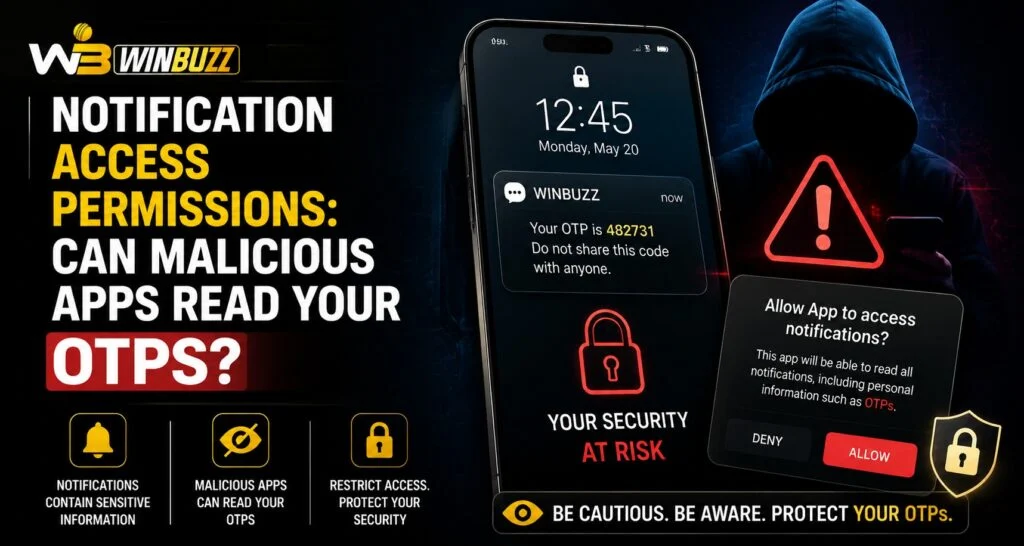
Mobile security depends heavily on the permissions users provide to installed applications. Many apps request access to notifications to offer features like message previews, reminders, or quick actions. However, users should understand the possible risks of granting unnecessary permissions. Winbuzz users should be aware of how notification access works and why controlling app permissions is important for protecting sensitive information such as one-time passwords (OTPs).
OTP messages are commonly used for account verification and security checks. If a malicious application gains access to notifications, it may potentially view information displayed in those notifications. Understanding permission settings helps users make safer decisions while using mobile devices.
What Is Notification Access Permission?
Notification access is a mobile permission that allows an application to read and interact with notifications generated by other apps on a device.
When granted, an app may be able to:
- View notification content
- Read message previews
- Identify notification sources
- Manage certain notification actions
This permission is different from normal app access because it can provide visibility into information displayed by other applications.
Why Do Some Apps Request Notification Access?
Not every app requesting notification access is harmful. Some legitimate applications use this permission to provide useful features.
Examples include:
- Smartwatch connection apps
- Notification management tools
- Productivity applications
- Accessibility services
However, users should carefully review whether an app actually needs this permission for its purpose.
Can Malicious Apps Read OTP Notifications?
In some situations, an application with notification access may be able to read the content of notifications, including OTP messages that appear on the screen.
Potential risks include:
- Exposure of verification codes
- Unauthorised account access attempts
- Privacy concerns
- Collection of sensitive information
This is why users should avoid granting notification access to unknown or unnecessary applications.
Why OTPs Are Sensitive Information
One-time passwords are designed as an additional security layer during account verification. They are usually temporary and valid for a short period.
OTPs may be used for:
- Login verification
- Account recovery
- Device confirmation
- Security changes
Because OTPs provide temporary access confirmation, protecting them is an important part of account security.
Users accessing accounts through Winbuzz Login should avoid sharing OTPs with anyone and should be careful about which applications can view device notifications.
How to Check Notification Access Permissions
Users can review which apps have notification access through their device settings.
General steps include:
- Open device settings.
- Go to privacy or security options.
- Find notification access permissions.
- Review enabled applications.
- Disable access for unknown or unnecessary apps.
The exact steps may differ depending on the mobile operating system and device manufacturer.
Warning Signs of Suspicious Apps
Certain behaviours may indicate that an application should not have notification access.
Be cautious if an app:
- Requests unnecessary permissions
- Comes from an unknown developer
- Has unclear features
- Requests access unrelated to its purpose
- Was installed from an unofficial source
Reviewing permissions before installation can prevent many security problems.
How to Protect OTPs on Your Device
Users can follow several practices to improve OTP security.
Helpful steps include:
- Avoid installing unknown applications
- Review app permissions regularly
- Keep the operating system updated
- Use official app stores
- Disable unnecessary notification access
- Avoid sharing verification codes
Small security habits can reduce the risk of information exposure.
The Role of Trusted Applications
A trusted application should request only the permissions required for its functions. Users should question why an app needs access to notifications, messages, contacts, or other personal information.
Before installing any application, consider:
- Developer reputation
- User reviews
- Requested permissions
- Installation source
- Privacy information
These checks Help users make more informed decisions.
Mobile Security and Account Protection
Protecting an account requires attention to both login security and device safety. Even strong passwords may not provide complete protection if sensitive information is exposed through unsafe applications.
Users managing their Winbuzz ID should maintain good mobile security practices, including reviewing permissions and keeping devices protected.
How the Winbuzz App Experience Depends on Device Security
A secure mobile environment improves the overall experience of using digital platforms. Users should ensure that their devices are free from suspicious applications and unnecessary permissions.
Security practices such as permission management, software updates, and careful app installation help create a safer environment for accessing online services.
Understanding Notification Risks in Modern Mobile Use
Notifications provide convenience by allowing users to see important updates quickly. However, the same convenience can create privacy risks if access is given to unreliable applications.
Users should balance convenience with security by allowing permissions only when necessary and reviewing access regularly.
Conclusion
Notification access permissions can provide useful features, but they may also create privacy risks when granted to malicious or unnecessary applications. Since OTPs are sensitive security information, users should carefully control which apps can view notifications.
By reviewing permissions, installing trusted applications, and following safe mobile practices, users can reduce security risks and protect important account information.
FAQs
Can apps read OTPs from notifications?
Apps with notification access permission may be able to view notification content, which can include OTP messages.
Should every app be allowed notification access?
No. Users should only allow notification access to trusted apps that genuinely require the feature.
How can I check which apps have notification access?
You can review notification access settings through your device’s privacy or security settings.
Are OTPs safe if I do not share them?
Keeping OTPs private reduces risk, but users should also protect their devices from unsafe applications.
Why do some apps request notification access?
Some legitimate apps use notification access for features such as notification management or connected device functions.
How can I improve mobile security?
Use trusted apps, review permissions, update software, and avoid sharing sensitive information.


