
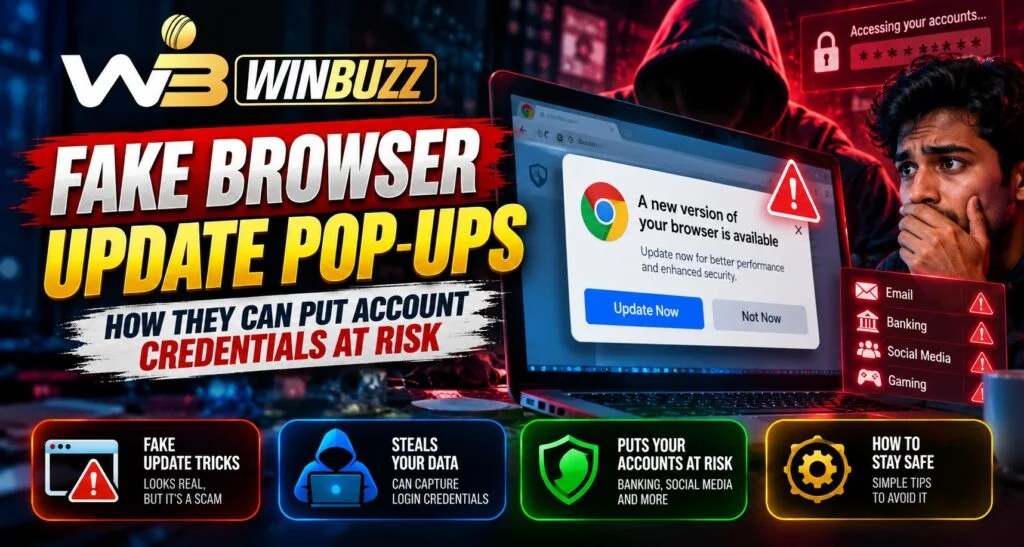
A browser warning can make a download feel necessary. For customers using Winbuzz, that moment deserves a pause. Fake update pop ups imitate browser messages to persuade people to install harmful software or disclose account details. We want customers to recognise a genuine update without making browsing feel complicated.
Why Fake Update Messages Look Convincing
Attackers copy browser logos, colours and familiar wording. A message might claim that your browser is outdated or that an urgent update is needed to continue viewing a page.
These warnings can appear on compromised websites, so familiar pages deserve scrutiny. Researchers have documented fake update campaigns that deliver information stealing malware. Appearance alone cannot establish whether a message is genuine.
How Account Credentials Become Exposed
Running a malicious update can give software access to saved passwords or allow it to record what you type. A deceptive page may also ask you to sign in again and send those details directly to an attacker.
Damage can extend beyond one account when passwords are reused. Your email matters because it may receive password recovery messages. Protecting it helps protect connected accounts.
Warning Signs Worth Taking Seriously
Be cautious when a webpage demands a download before you can continue, asks you to disable security software, or tells you to paste commands into your computer. A countdown or threatening message is another reason to stop.
Never enter a password or OTP to complete a browser update. Browser maintenance and account verification are separate tasks. Close the suspicious tab using the browser controls rather than buttons drawn inside the warning.
Update Safely on Phones and Computers
Convenience should come from a familiar process. For desktop Chrome, open the browser menu, choose Help, then About Google Chrome to check for updates. Mobile Chrome updates are managed through Google Play or the Apple App Store.
If you use the Winbuzz app, treat an unexpected browser update request as a separate issue. Installing an unknown file is not a sensible way to fix account access. Our notification and OTP security article explains another useful device safety check.
What to Do After a Suspicious Pop Up
Your next step depends on what happened. Seeing a warning does not by itself establish that your passwords were stolen. Close the page and check for unexpected downloads.
If a file downloaded but you did not open it, delete it without running it. If you ran it, stop using that device for sensitive accounts and seek trusted technical help. Run an updated security scan. Use a separate, clean device to change exposed passwords and contact account support through independently verified details.
Review activity and use available options to end other sessions. Explain whether you viewed, downloaded or executed something, but never send support your password or OTP.
Read More : Winbuzz Cricket Match Data and Performance Analysis Guide
Better Experience Through Thoughtful Decisions
Quality support means clear instructions customers can follow. As expectations for quick mobile access grow, simple explanations help people make confident decisions without accepting every prompt.
These habits work across devices and browsers. Their lasting value comes from knowing where updates belong and avoiding unnecessary software. We encourage customers to pause, verify the source and choose the smallest necessary action. Speed is useful only when the action makes sense.
Final Thoughts
A safer Winbuzz login begins with the device and browser you use. Keep updates within trusted channels, question unexpected downloads and act promptly if information was exposed. We encourage careful decisions that support reliable access and a more comfortable customer experience over time.
FAQs
Can a webpage imitate a browser update?
Yes. Logos and familiar wording can be copied.
Does seeing a fake update mean my account was hacked?
No. Exposure depends on what happened, including downloads or disclosed details.
Should I open a downloaded update to check it?
No. Delete an unexpected file without running it.
Do browser updates require my account password?
No. They do not require your platform password or OTP.
What if I ran the suspicious file?
Stop sensitive activity, seek technical help and secure accounts from a clean device.


